Why Hybrid Meeting Rooms Deliver More Than You Expect
Hybrid work is no longer a niche. It is a clinical shift in how teams meet, learn, and decide. Hybrid meeting room solutions now anchor daily stand-ups, client reviews, and training. In practice, a hybrid room is a controlled environment where people in the space and online behave as one group, with predictable signals and low variability. That means stable latency, clear pickup from beamforming microphones, and no guesswork about who speaks next (or who got cut off).
Across industries, more than half of meetings include at least one remote participant. The variance is highest in project handoffs and clinical consults, where one missed detail can be costly. The risk is silent drift: small echo, subtle timing lag, or camera framing that breaks turn-taking. It looks minor. It feels like fatigue by the end of the hour. The question is simple: Are we controlling the room, or is the room controlling us? The answer starts with clear goals, measurable signal paths, and a shared playbook. Let’s unpack where the real friction hides—then compare what actually fixes it.

Under the Hood: Hidden Friction in Everyday Meetings
The right hybrid conference system should remove effort, not add tasks. Yet many rooms still bury users under cable hunts and menu mazes. Traditional setups chase features, then ignore flow. The pain points are subtle: channel mismatch that breaks auto-mix, toggles that hide echo control, and laptops that fight the room for audio I/O. Edge computing nodes help, but not when they are isolated from calendar and room control. SIP gateways may connect calls, yet they leave no guardrails for role-based muting or voting. Look, it’s simpler than you think: users want one join action, clear audio, and a stable picture—period.
What’s the Real Bottleneck?
It is often the network handoff and policy. QoS tags drop at the switch. PoE switches deliver power, but not priority. Then the DSP offsets change with firmware updates—funny how that works, right? The result is micro-failures that no one can name, only feel. A mature design treats handoffs like clinical steps: map endpoints, isolate media VLANs, and log failure states. When rooms act this way, meeting conduct gets simpler, and fatigue drops. The tools are technical, but the target is human ease.
Comparative Outlook: Principles That Make Hybrid Rooms Work
What’s Next
New principles separate signal from chaos. First, keep media and control on different lanes. That allows the codec to hold steady when a dashboard reloads. Second, use intent-aware cameras that track speech, not motion alone. Third, fold the audio visual system into calendar and identity, so roles drive rights. When a presenter joins, the room assigns mic priority and scene framing by default. Under the hood, redundant power converters, version-locked DSP profiles, and API integrations make the behavior repeatable. No drama—just sessions that start on time and end with clear notes. Compared with legacy stacks, you trade big, manual control surfaces for small, predictable automations.
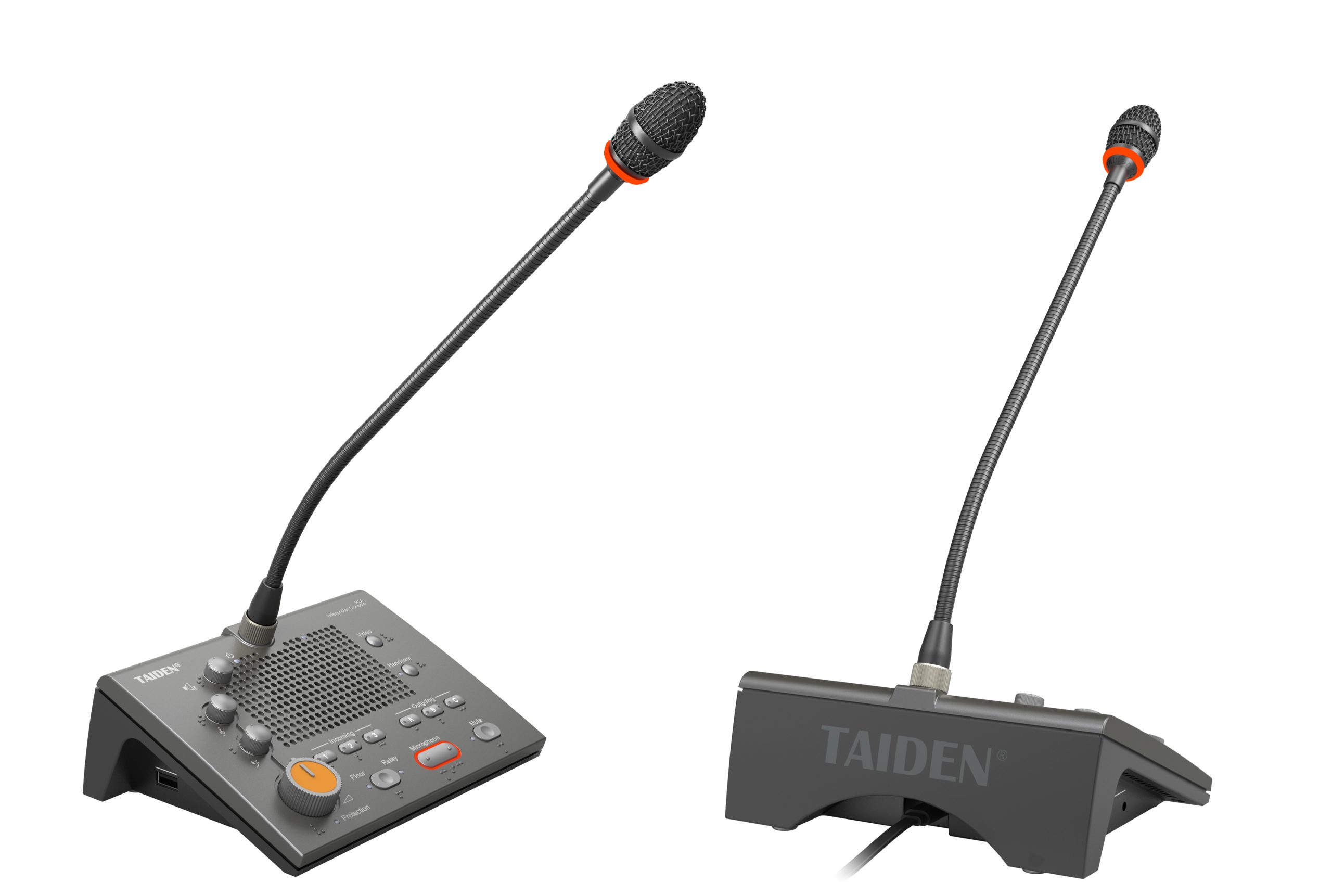
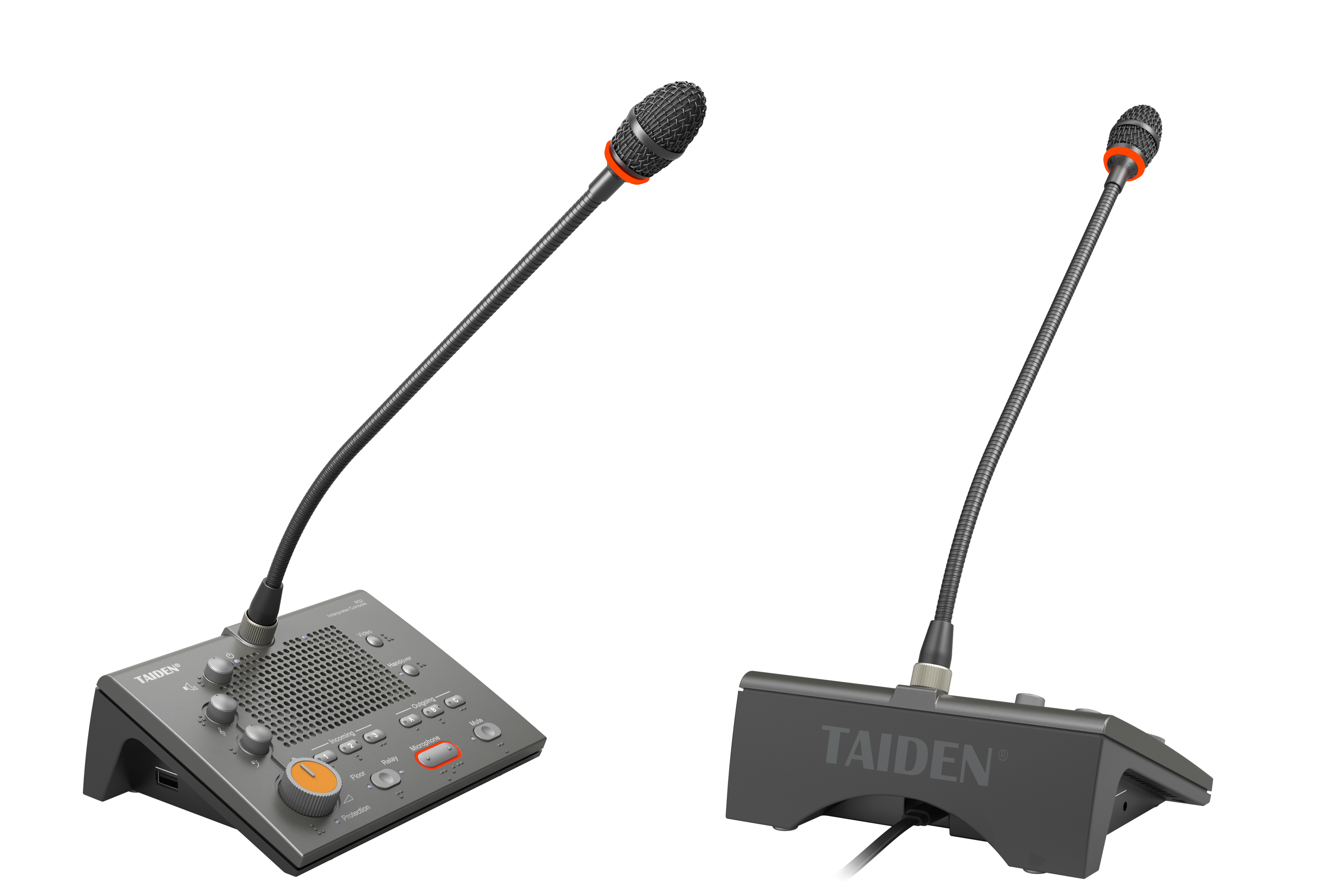
So, what should you measure from here? Think forward, but test like a lab. 1) Session reliability: track start-to-speak time, drop rate, and recovery without a restart. 2) Audio intelligibility: log speech transmission index and far-end complaints, not just volume. 3) Administrative load: count touches per meeting, plus minutes lost to fixes. These three metrics expose whether the room serves the team or the other way around. Keep an eye on firmware drift and camera handoffs—those two cause most regressions. And remember, comfort scales better than complexity—funny how that works, right? For deeper technical references and system design examples, see vendors such as TAIDEN for standards and schematics, then apply them to your own context with care.