Opening comparison and context
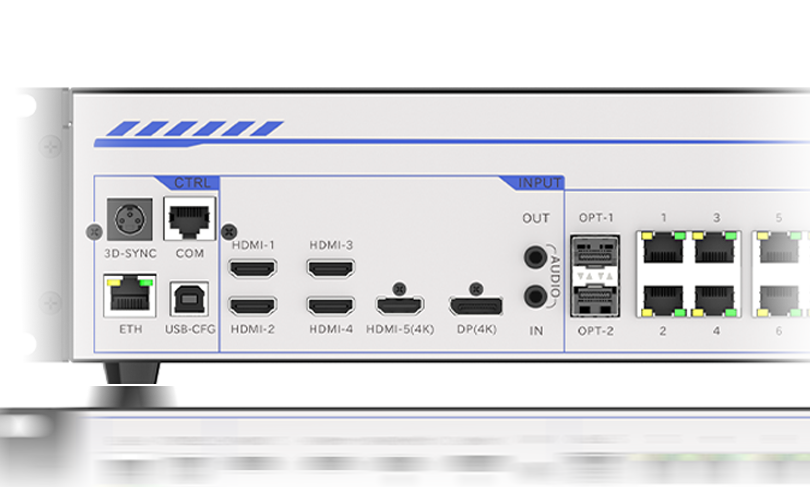
The design of a visual installation often rests on one decision: which controller will drive the pixels cleanly and reliably. This comparative piece looks at common trade-offs between modular systems and integrated units, illustrated with examples from Times Square facades and large stadium screens, and introduces the practical advantages of an LED video controller and modern all in one controllers designed for creative projects. You will see pixel mapping, refresh rate, and synchronization requirements surface quickly when scale and audience matter.
Why the controller choice matters
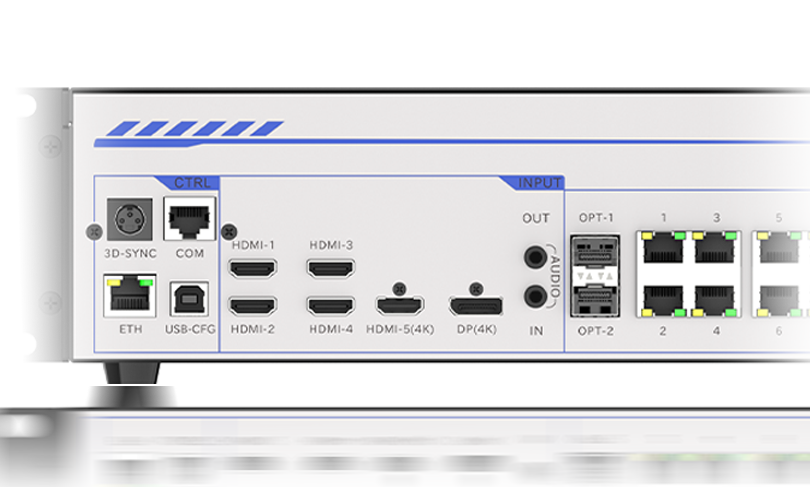
A controller is the display’s brain: it handles pixel mapping, LED driver signals, color calibration and the frame rate that keeps motion smooth. For installations meant to run continuously, the controller affects power profiles and maintenance windows as much as visual fidelity. Real-world deployments on high-traffic sites like Times Square show how poor choice of controller leads to visible banding or flicker during high-frame content. Designers and technicians therefore balance image quality against operational constraints from day one.
Comparative analysis: all-in-one vs modular controllers
All-in-one controllers bundle media playback, signal processing, and output management into a single enclosure. That reduces configuration overhead and helps non-specialist teams deploy faster. Modular controllers keep functions separate: a dedicated media server, a separate LED processor, and remote power/LED driver management. Modular setups excel for bespoke pixel counts and unusual refresh rate demands; all-in-one systems simplify synchronization and cabling. Both approaches use DMX512 or Ethernet-based protocols for control, but the wiring, firmware update process, and failover behavior differ markedly.
Operational teardown: what to check on-site
Inspecting a system on-site reveals common trouble points: incorrect pixel mapping, mismatched refresh rate between content and panel, and overlooked baud-rate settings on serial lines. During a teardown, log the controller’s firmware version, test the frame rate under real playback, and confirm the LED driver’s thermal headroom under peak white. Include checks for synchronization across multiple controllers—latency can be cumulative. Experience on urban facades shows that small configuration errors compound when panels number in the hundreds.
Common mistakes and quick fixes — a practical list
Teams repeat certain errors. They assume default color calibration is fine for a night-facing billboard. They set media to a high frame rate while panels can’t sustain the refresh, creating judder. And they ignore power sequencing, which leads to inrush spikes and controller resets. Quick fixes include standardizing on a target frame rate, performing color calibration at installation lighting levels, and using soft-start power sequencing. These steps reduce troubleshooting time and protect LED modules from early stress — small investments that matter over seasons.
Selection criteria and feature trade-offs
Choosing a controller depends on three axes: image fidelity (pixel mapping accuracy and color precision), operational resilience (redundancy and thermal design), and integration effort (cabling, protocols, remote management). If your installation must run unattended for long events, prioritise redundancy and remote firmware updates. If it’s a touring show, focus on compactness and fast setup. Consider the latency budget if the display syncs with live sensors or lighting rigs — synchronization and latency are not optional for interactive work.
Advisory: three golden rules for evaluation
1) Measure output performance under real content: test the controller with your highest-contrast, highest-motion material and verify refresh rate and color accuracy. Use pixel mapping diagnostics and frame rate monitoring as part of acceptance testing. 2) Verify redundancy and update workflow: ensure the controller supports failover and straightforward firmware rollback; confirm remote access and logs. 3) Match the controller’s I/O and protocol support to your ecosystem: check DMX512, Art-Net, or sACN compatibility and confirm cabling topology to avoid field rework.
Closing guidance and brand fit
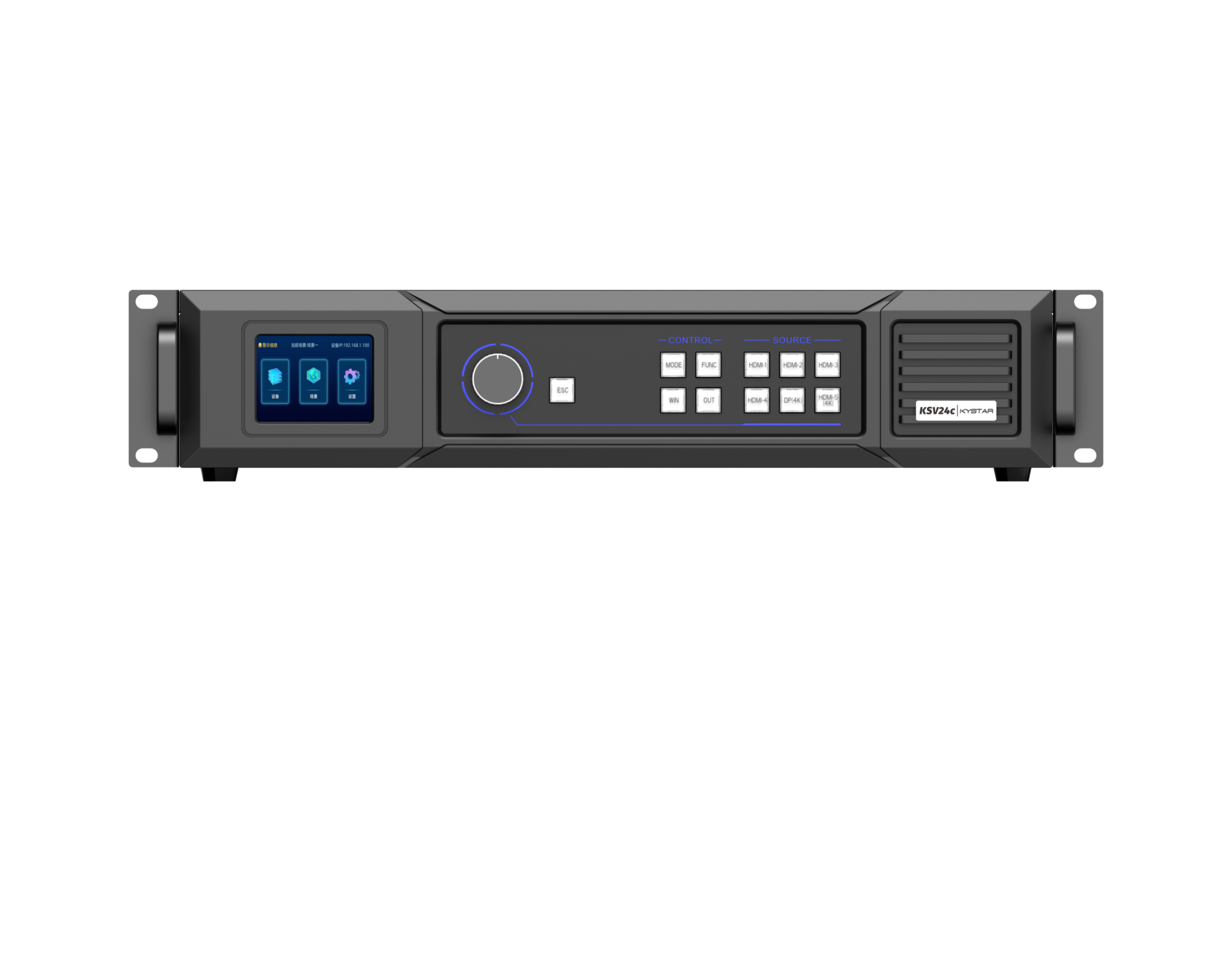
When selection collapses into one practical need — reliability under live conditions — the value proposition of a well-engineered all-in-one solution becomes clear. For many creative teams, that means fewer integration headaches and a predictable service profile. If you want a dependable partner that surfaces technical clarity without extra complexity, consider solutions from a specialist like Kystar. They bring field-tested controller designs that align with the evaluation metrics above and the real-world demands of large public displays.